AquisNet SYS/REP (NEW)

|
Station types |
Scroll
 | |
|
In AquisNet you can define different station types. New stations are created at a station type. This is how you identify the usage of stations. For example, a categorisation according to mobile and permanently installed stations is conceivable, but of course also according to other criteria.
AquisNet offers the possibility to configure station types in such a way that the necessary characteristic information can be stored for each desired categorisation; properties at the station type are used for this purpose.
To manage station types,
▪click the link Data management > Stations in the navigation bar.
The available station types are displayed in the left-hand bar:
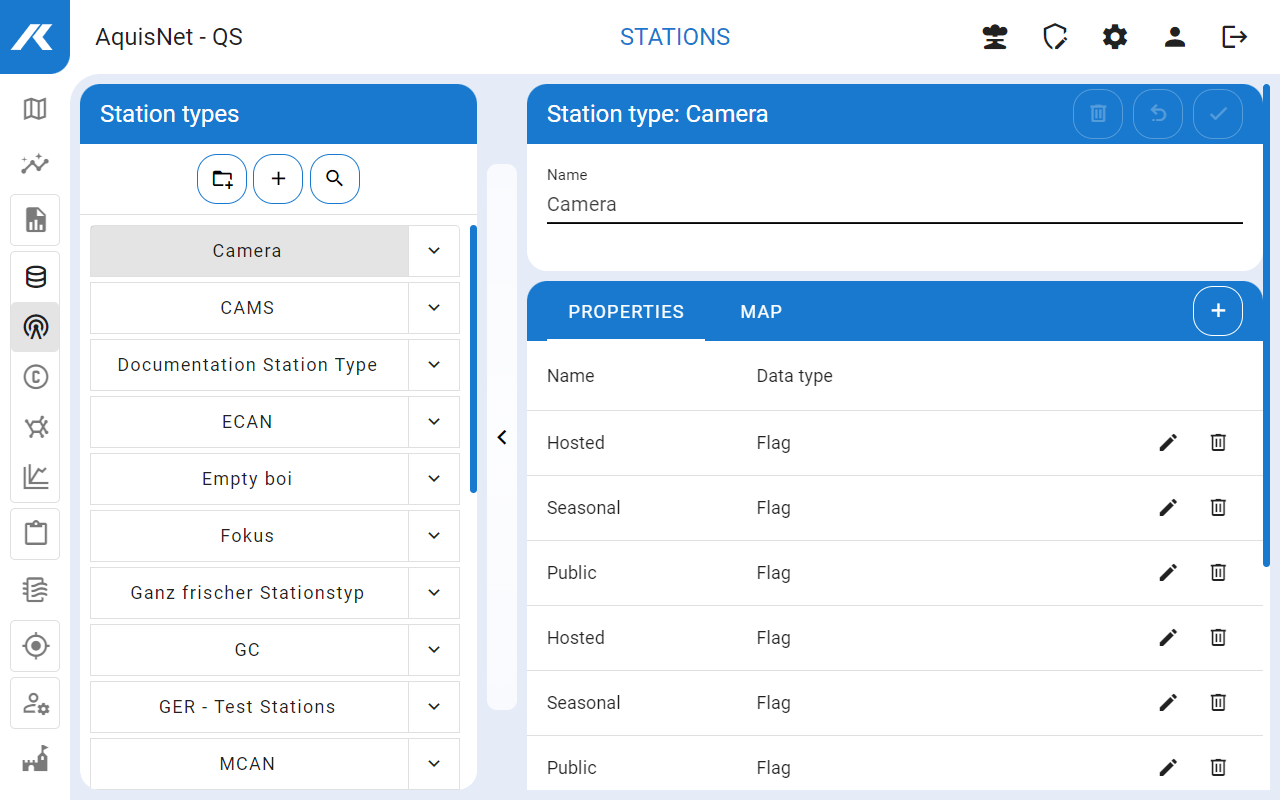
▪Here you can create new station types, edit and delete existing ones.
▪You can use the search bar ( ) to search for station types using their names or tags
  . The search bar can be closed again with
  .
.

 icon in the left-hand bar with the station types.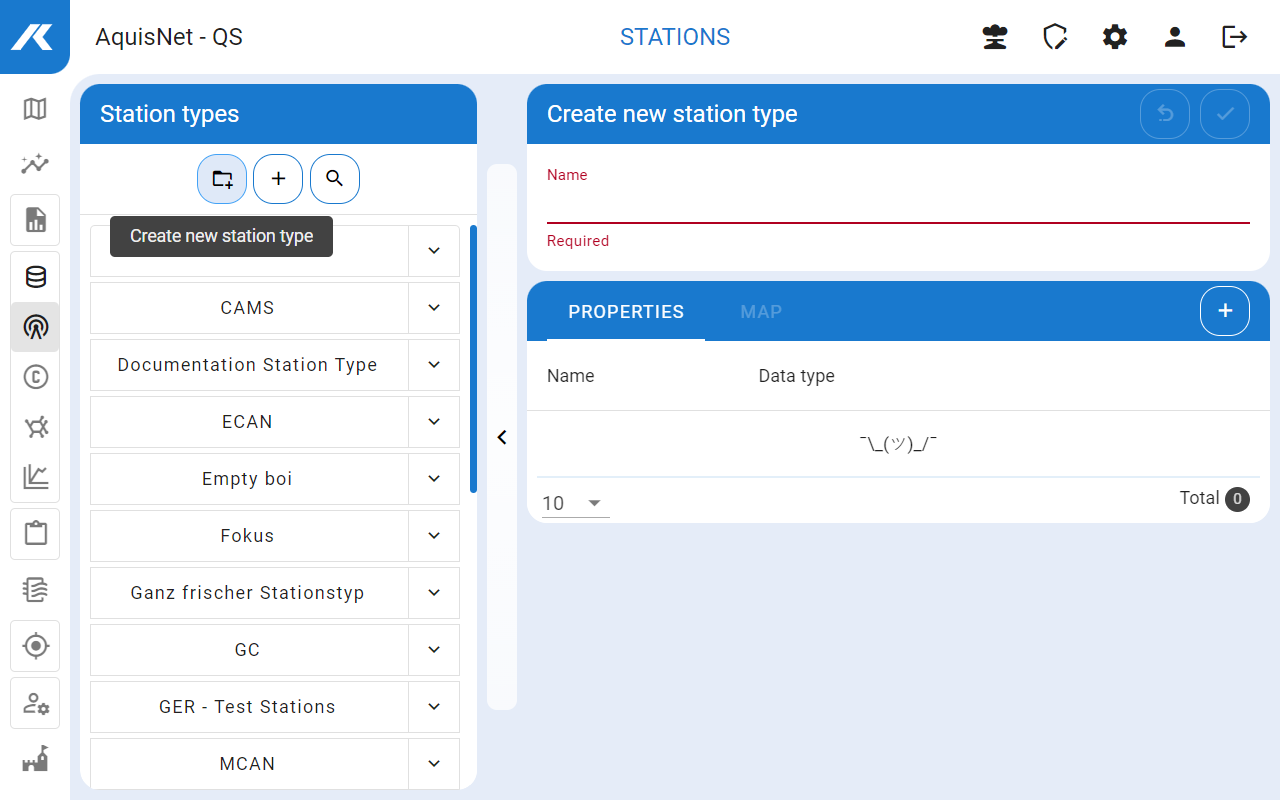


 .
. .
. .
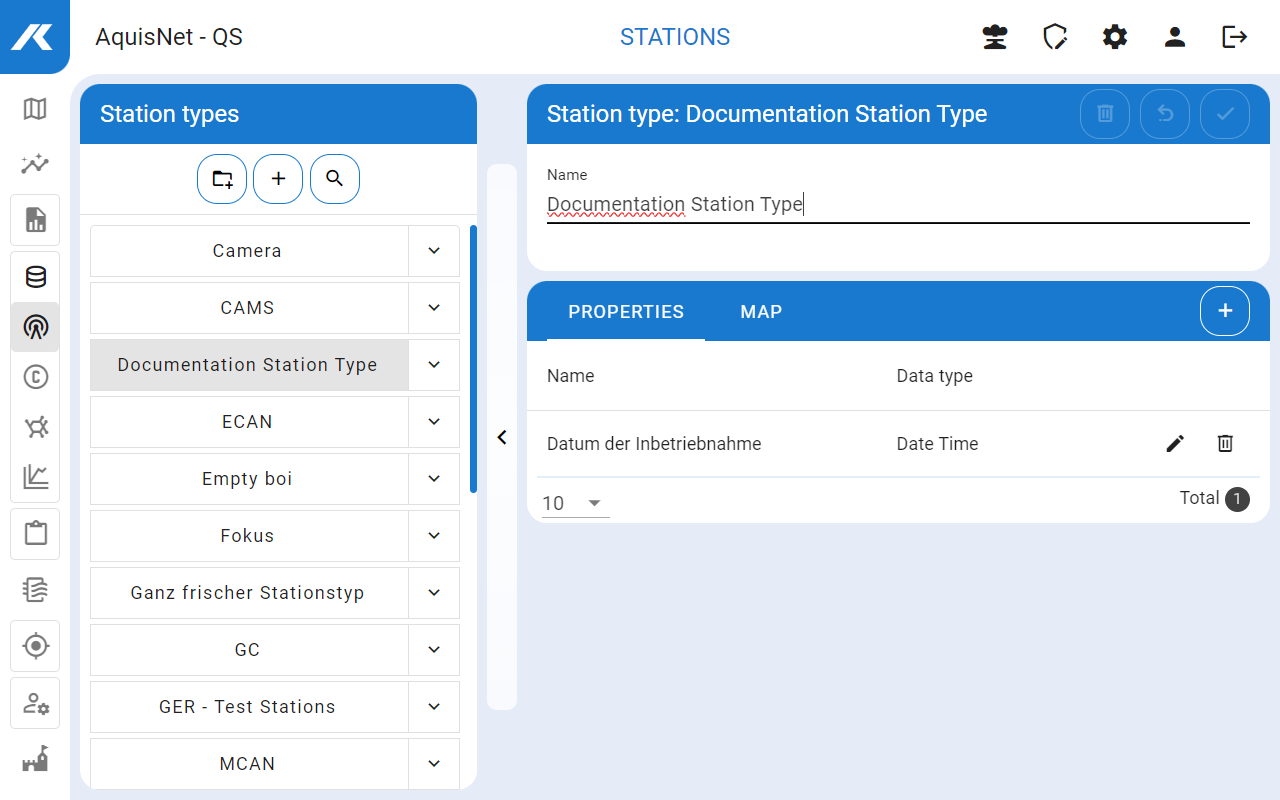
.

 .
.