AquisNet SYS/REP (NEW)

|
Stations |
Scroll
 | |
|
To manage stations,
▪click the link Data management > Stations in the navigation bar.
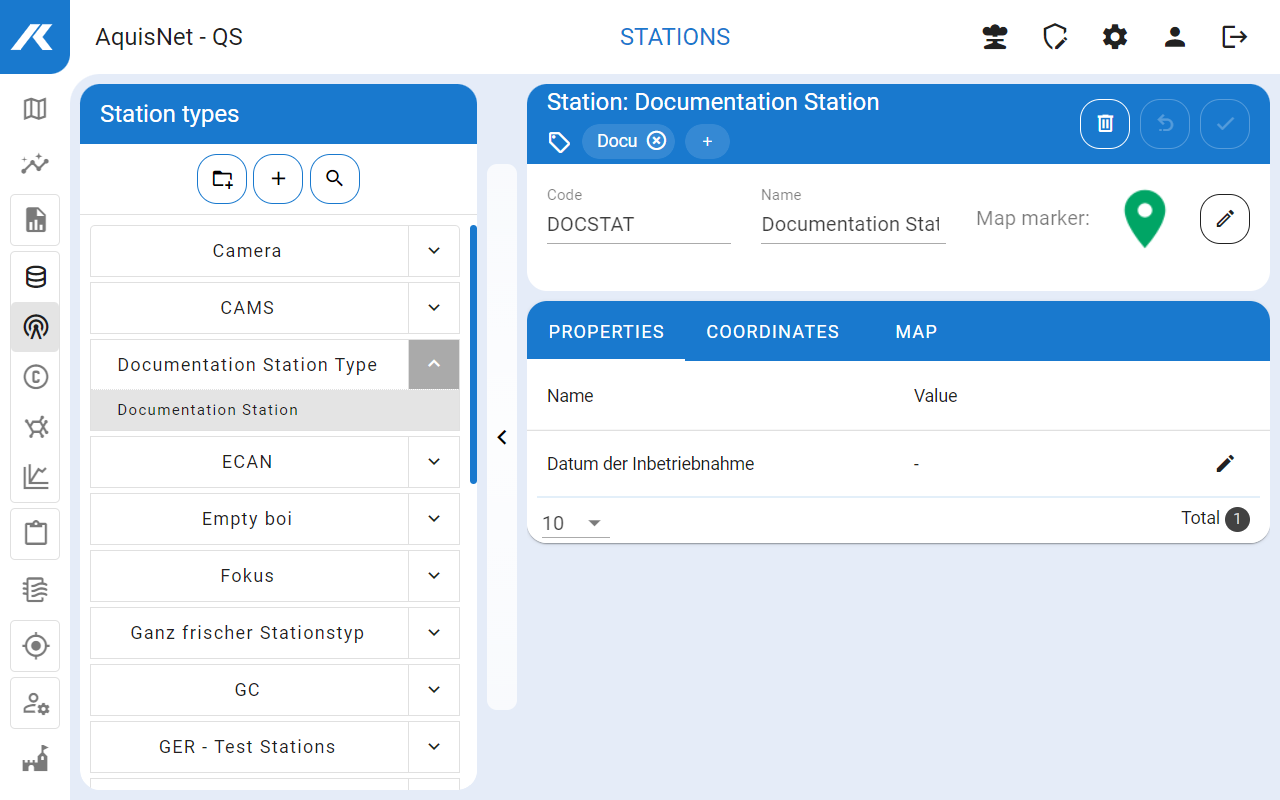
The available station types are displayed in the left-hand bar:
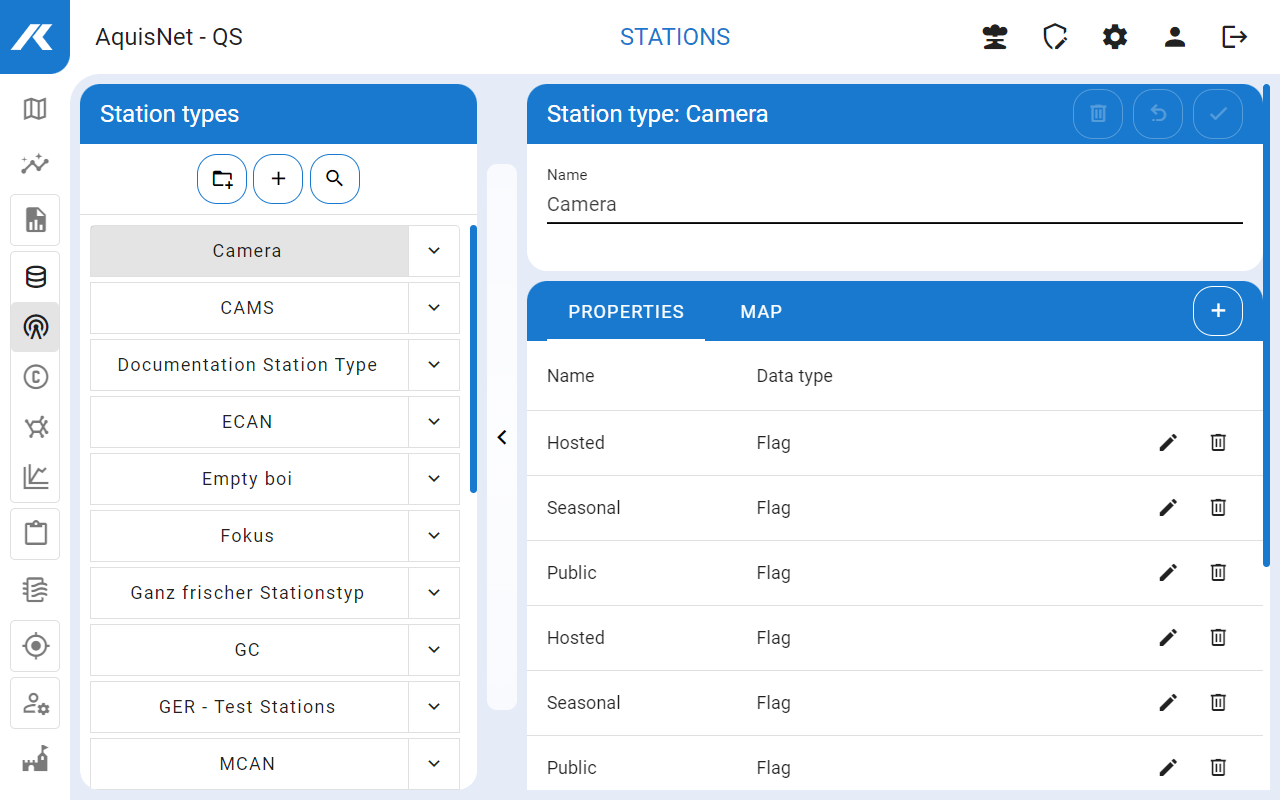
▪Here you can create new stations, edit and delete existing ones.
▪You can use the search bar ( ) to search for stations using their names or tags
  . The search bar can be closed again with
  .
.
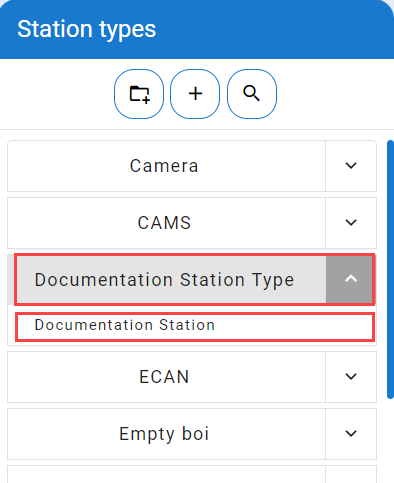
Below the station types, the list of stations for this type is displayed by clicking the arrow.

 icon in the left-hand bar with the station types.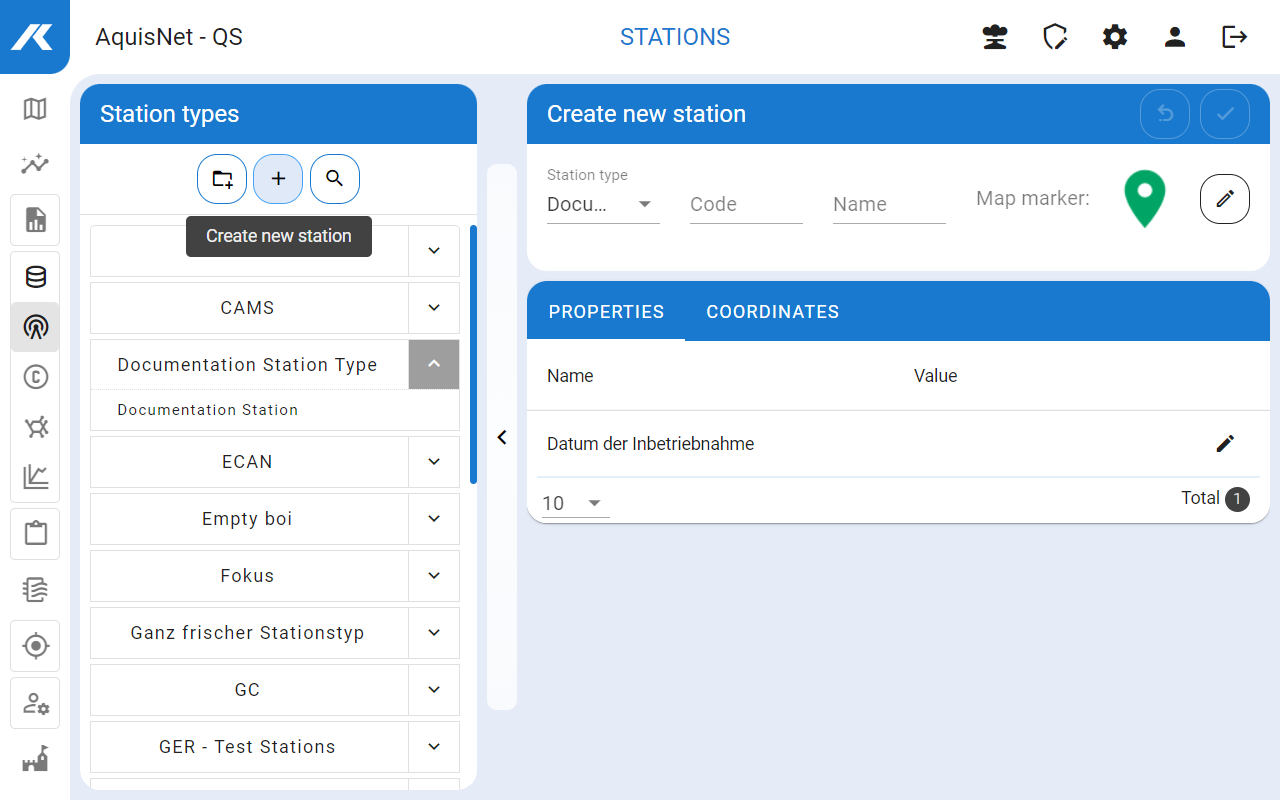
 .
. .
.
 .
.

 .
.