AquisNet SYS/REP (NEW)

|
Survey Systems |
Scroll
 | |
|
To manage survey systems,
▪click the link Data management > Parameters in the navigation bar.
The available survey systems are displayed in the left-hand bar:
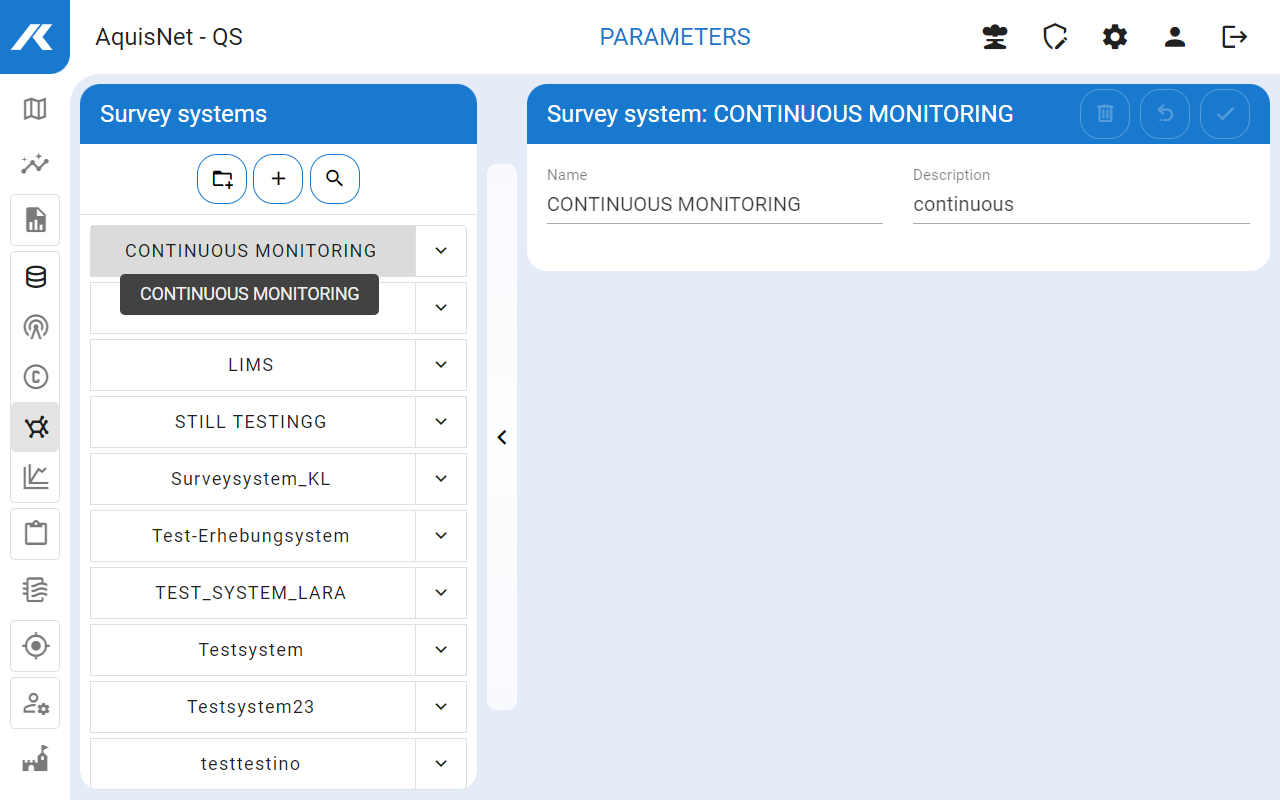
▪Here you can create new survey systems, edit and delete existing ones.
▪You can use the search bar ( ) to search for survey systems using their names or tags
  . The search bar can be closed again with
  .
.

 icon in the left-hand bar with the survey systems.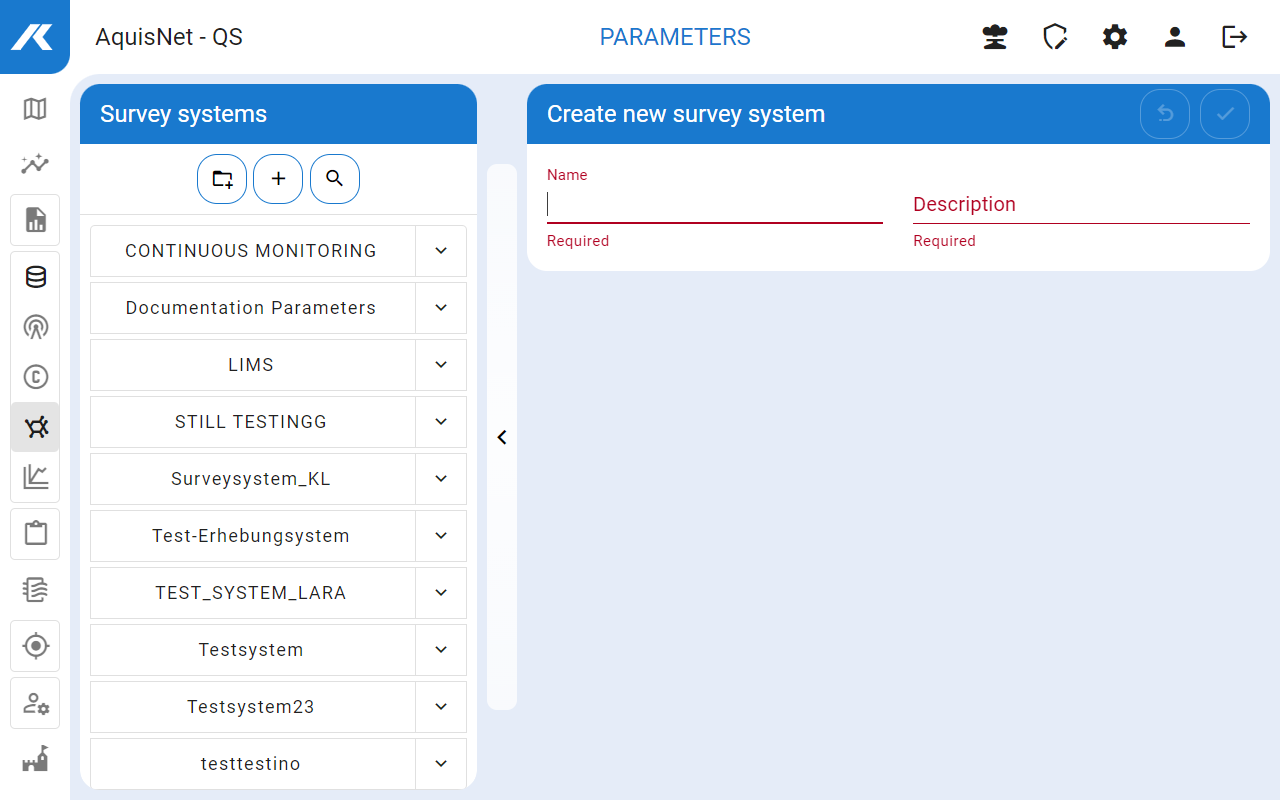
 .
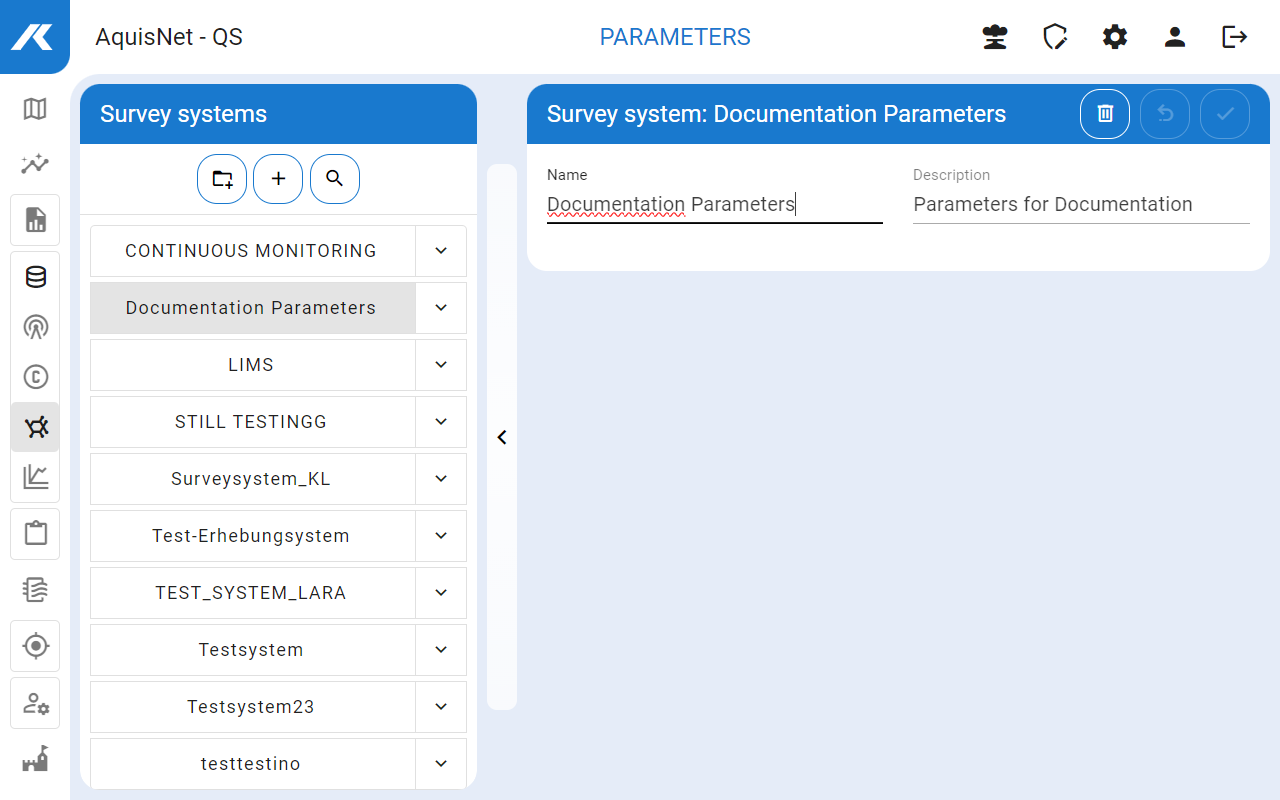
.

 .
.