AquisNet SYS/REP (NEW)

|
Logging of Canister Run Data |
Scroll
 | |
|
To log your canister runs based on the settings defined in the DMO,
▪click the link Canister management > Canister run data in the navigation bar.
The existing canister runs are listed in the left-hand bar; a search must be carried out first.
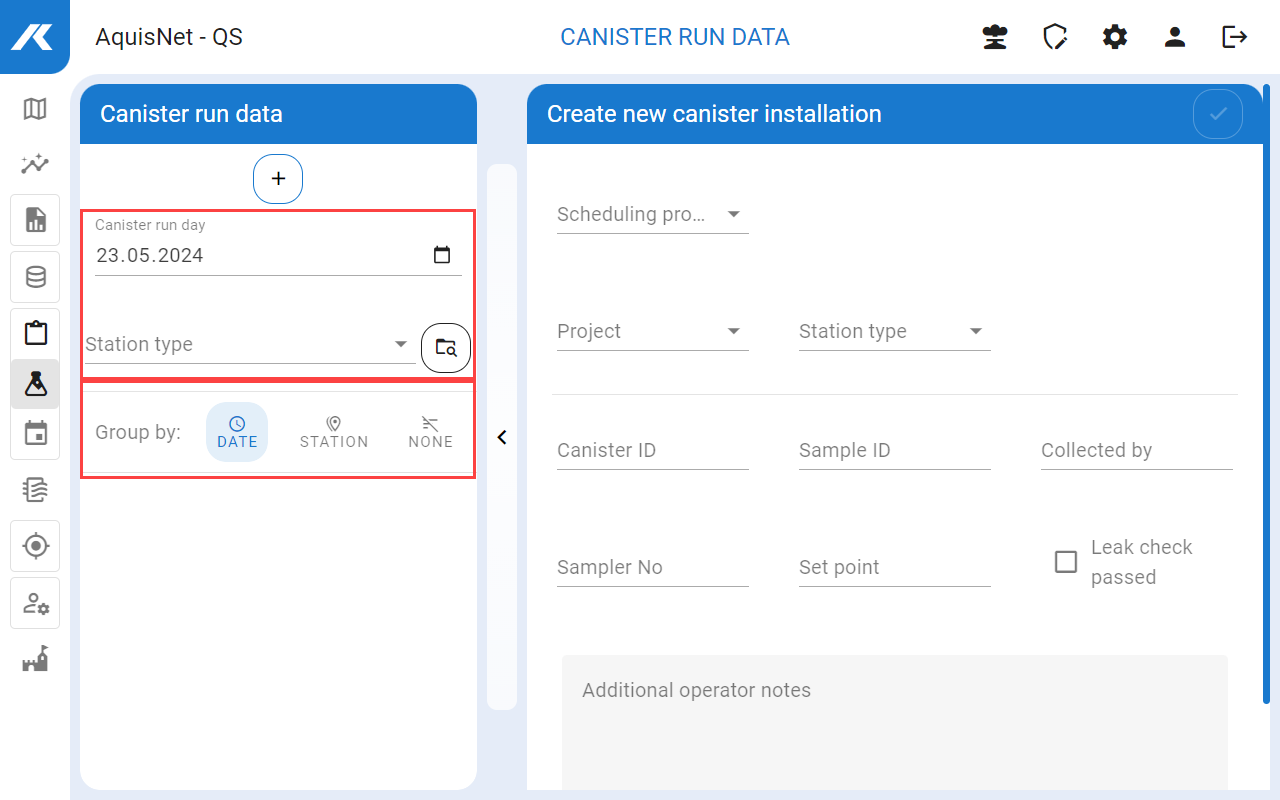
▪Here you can create new canister runs and analyse, edit or delete existing ones.
▪Use  to either search for all existing logs or restrict existing logs by entering the date for using the canister via the calendar or by entering it manually.
▪When entering manually, the program automatically switches between the entries (day, month, year, hours, minutes) so that you can, for example type in 01012020 to get the time stamp 01.01.2020.
▪Alternatively, you can only search for logs for specific station types.
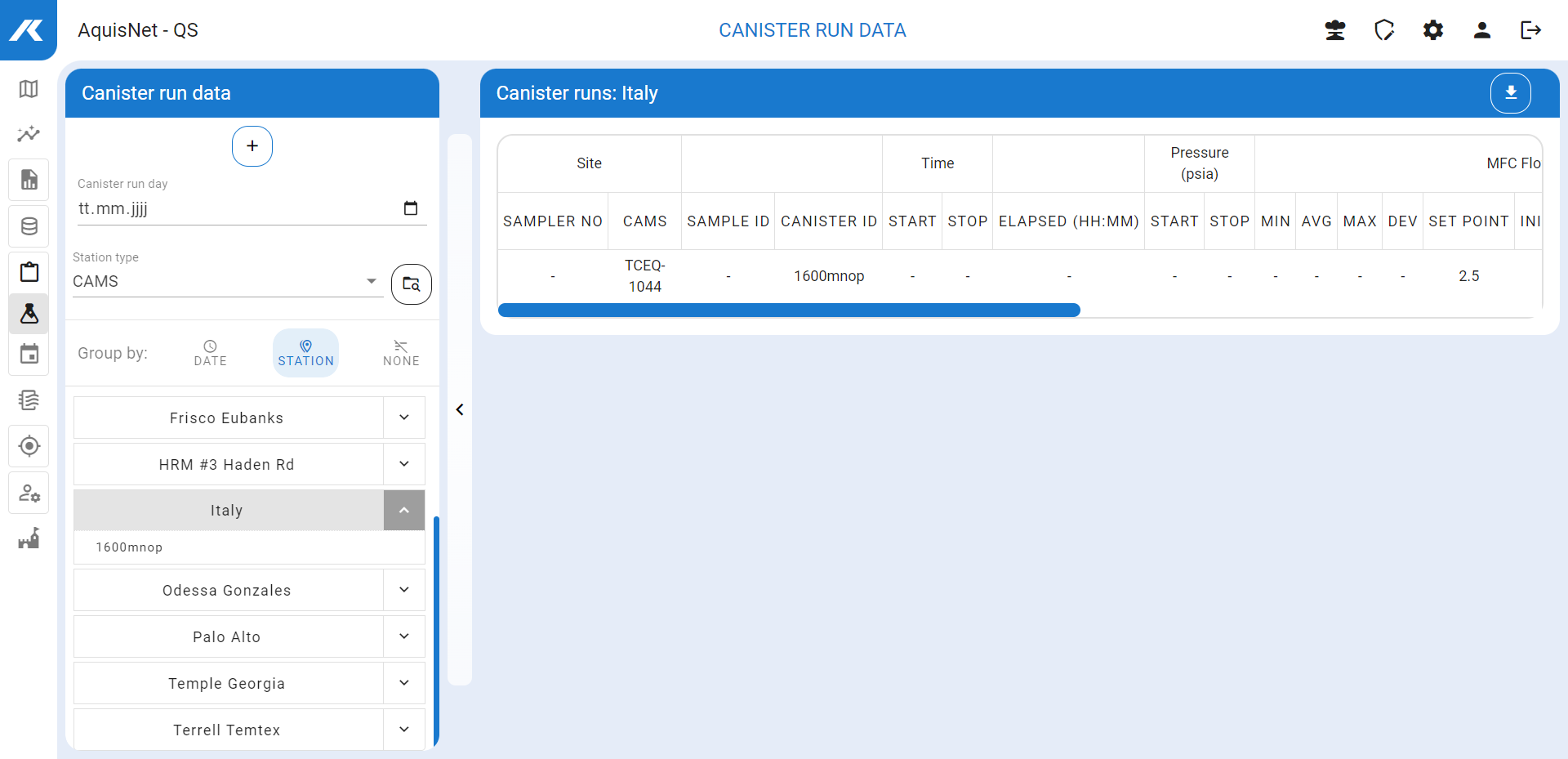
The canister runs found can be listed sorted by date or per station or ungrouped; in this case they are sorted by canister ID.
The individual canister runs are listed below the log.
▪Note the corresponding descriptions in the DMO documentation on the subject of canister use.

 icon in the left-hand bar with the canister run data.
 .
. to create an ad hoc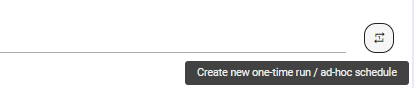
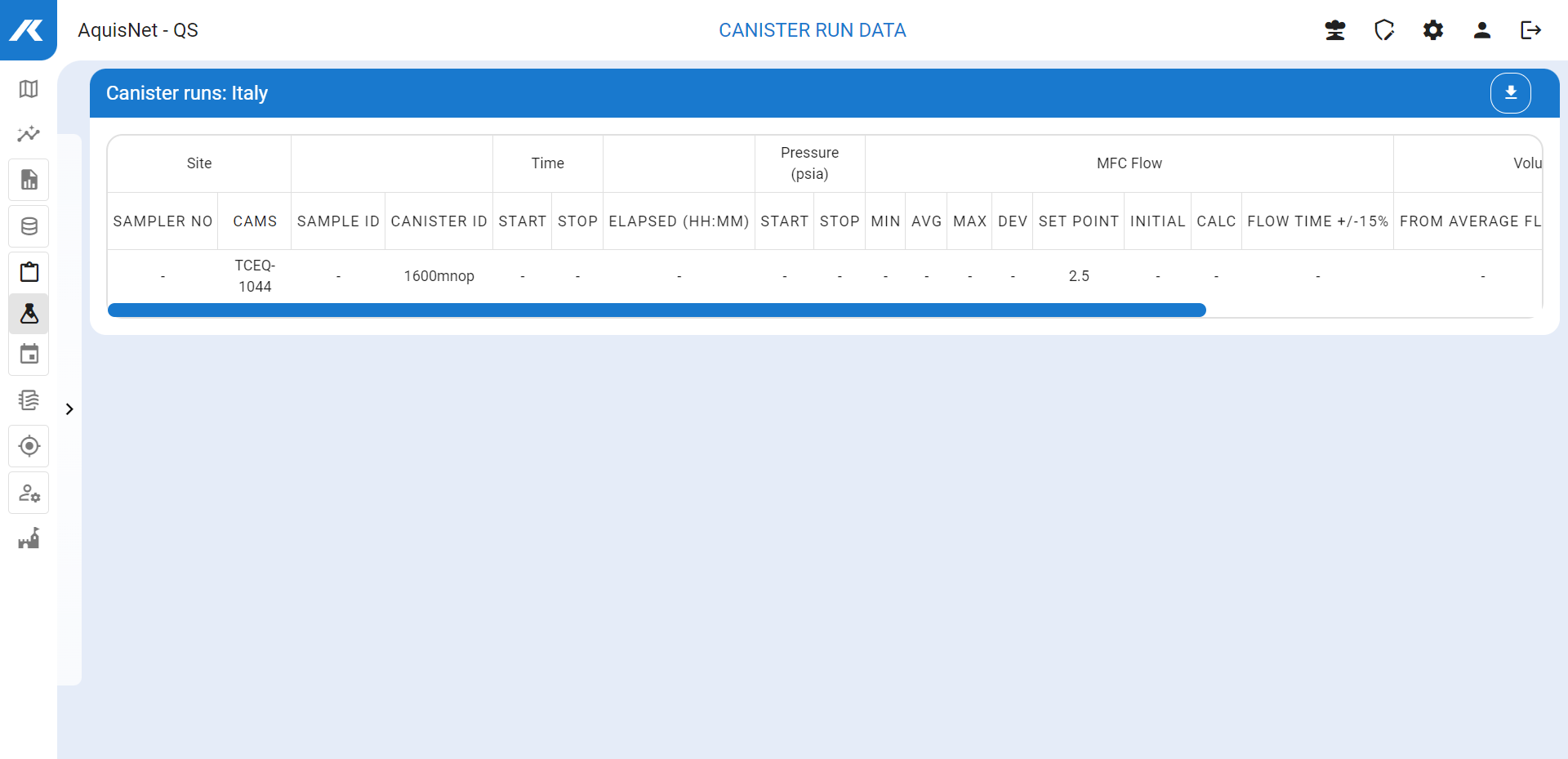

 , e.g. for further use in other applications.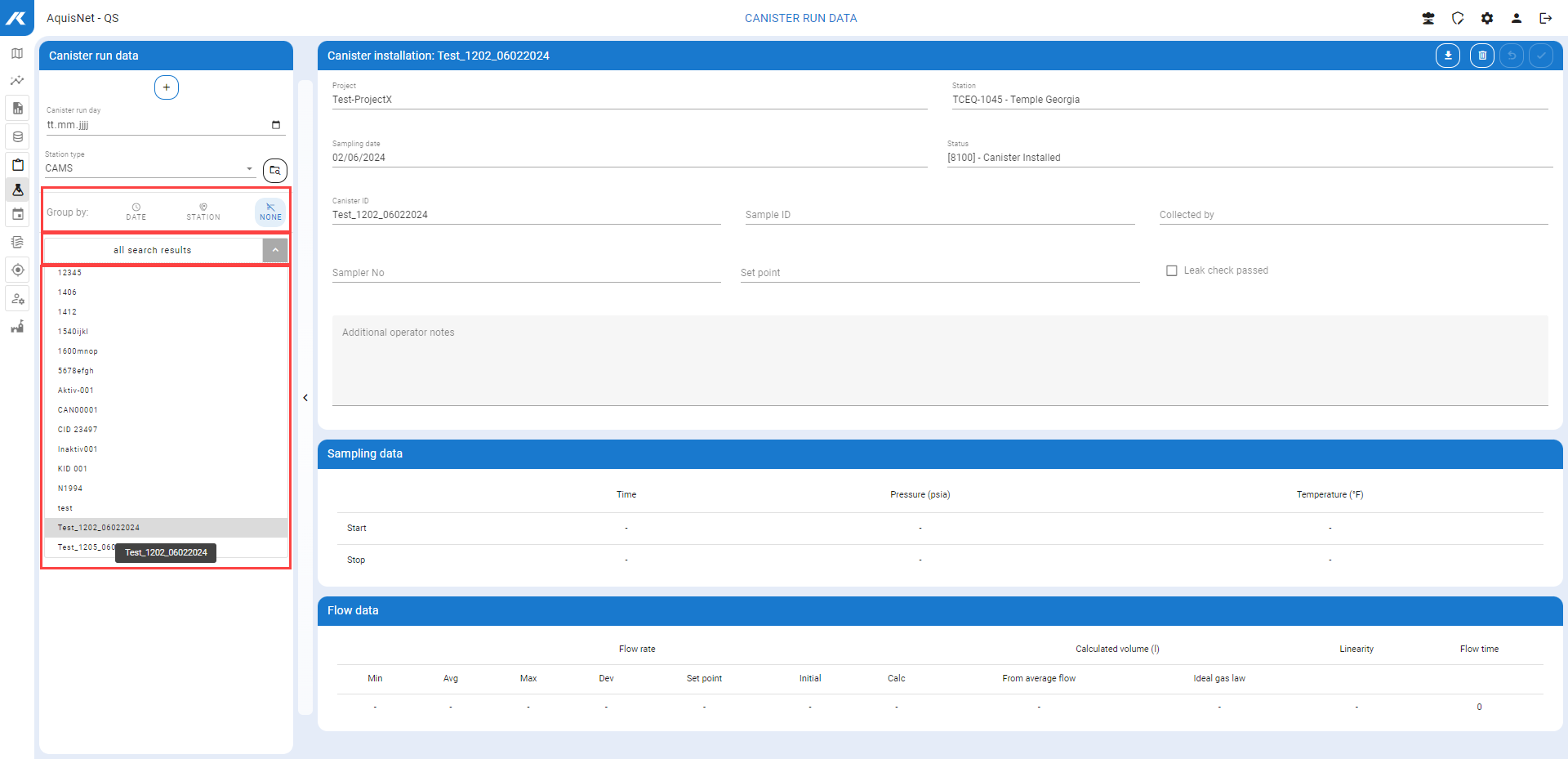

 .
.